MeshCom web client
gomeshcom-client
Your MeshCom node, in your browser.
Chat over MeshCom, follow station positions, and monitor radio activity from your desktop, tablet, or phone.
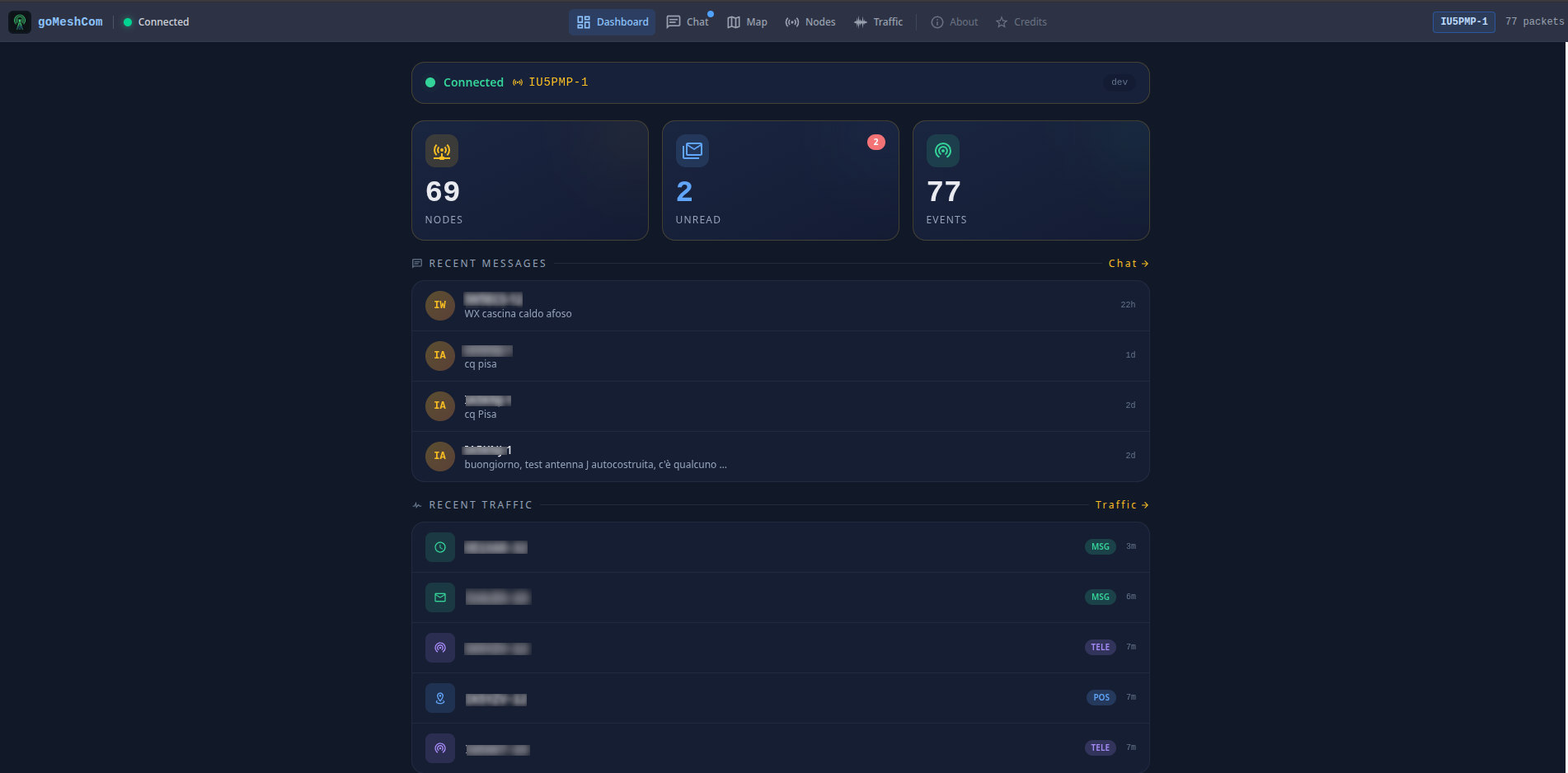
Live dashboard
Check your connection, recent messages, and node activity at a glance. Explore traffic statistics and keep local history between sessions.
What is MeshCom?
MeshCom uses LoRa radio technology to exchange messages, positions, and telemetry over a mesh network that can operate without cellular service or Internet access. Nodes relay packets to extend radio coverage, while optional Internet gateways connect distant networks.
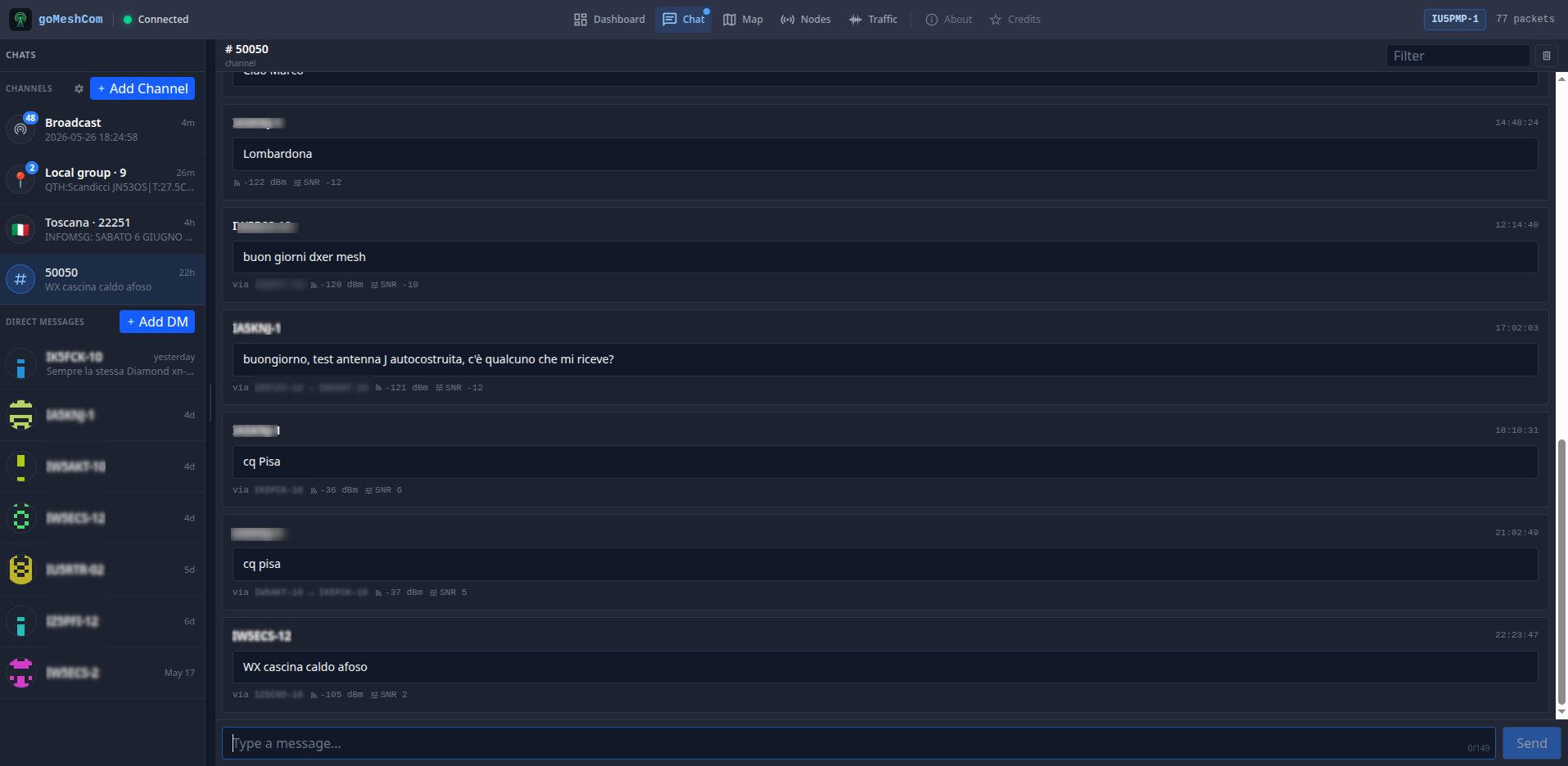
Mesh chat
Send and receive broadcast, channel, and direct messages. Keep conversations together and see what you have yet to read.
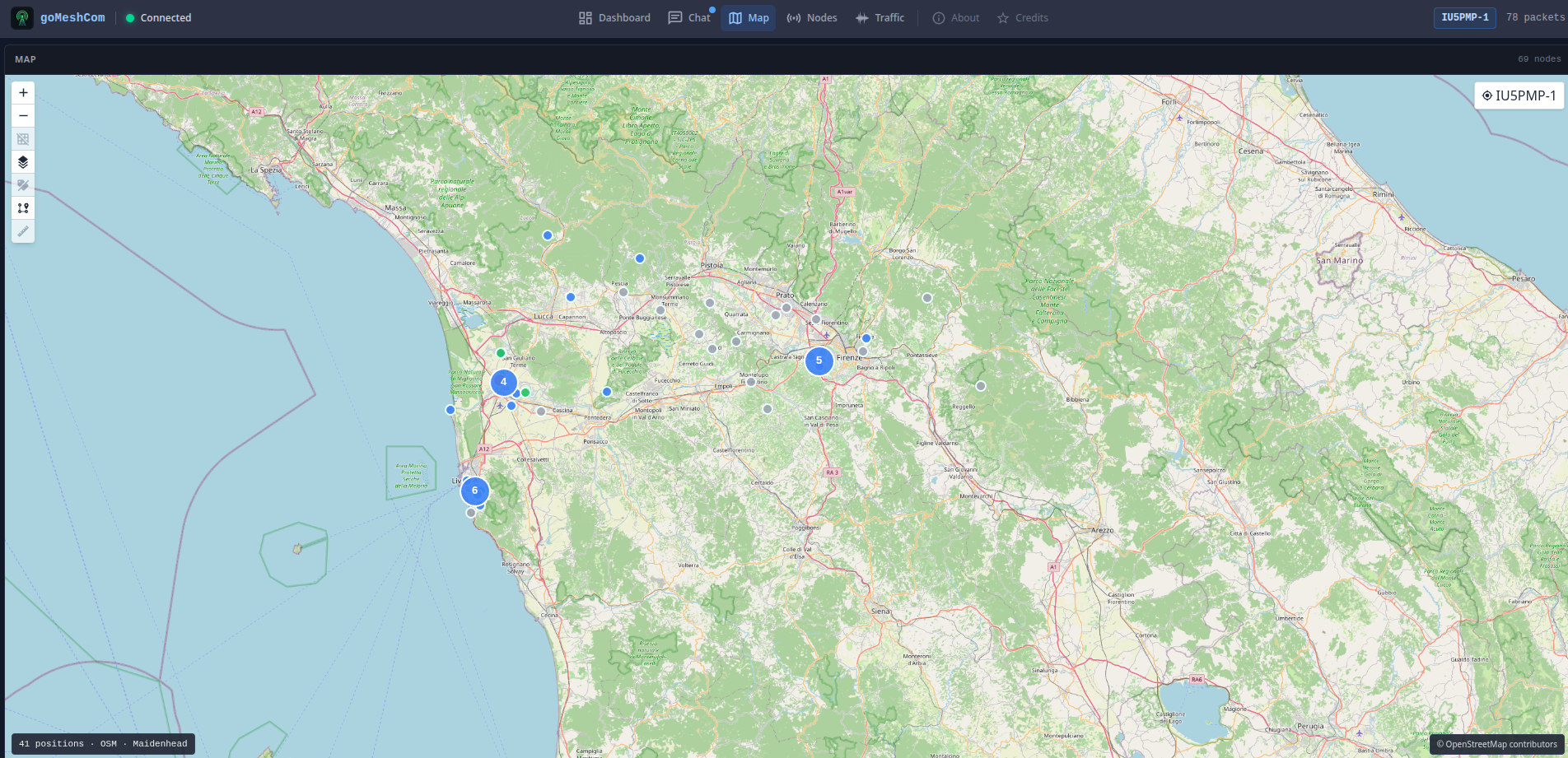
Node map
Locate stations from received position reports. Follow node activity with freshness indicators and clusters in busy areas.
Connect your node
You need a compatible MeshCom node and a computer running gomeshcom-client. Connect via UDP, USB serial, or NETConsole, then open the web interface in your browser.
Run a compact standalone binary on Linux, Windows, macOS, or Raspberry Pi-class hardware, or deploy with Docker.
gomeshcom-client is an independent, unofficial project. It is not affiliated with, endorsed by, or maintained by the MeshCom project.